
The document is the PS760 quick user manual, which mainly introduces the product's safety instructions, accessories list, product operation instructions diagram, installation and connection, getting started, control panel/remote control button and screen menu introduction, common function instructions, connecting microscopes, DIP switch settings, storage machines, common problem elimination and other contents.
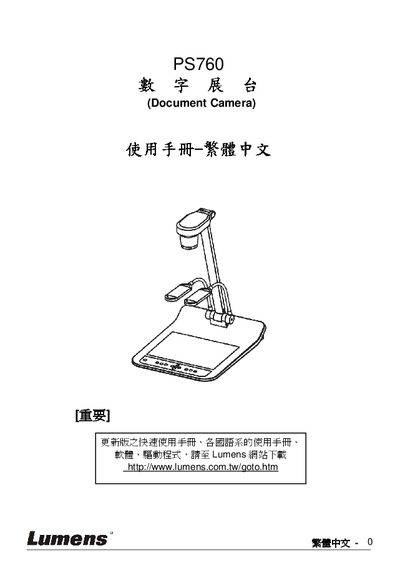
This manual covers safety guidelines, installation steps, and connection options for the Lumens PS760 document camera. It explains how to connect the device to projectors, computers, DVD players, and other video sources, and provides wiring diagrams for various video and audio interfaces.
The guide also describes common functions such as Auto Tune, image capture, recording, slide show, and mask/spotlight features, along with settings for VGA output, time configuration, and factory reset. A troubleshooting section addresses common issues and includes a quick‑start guide for rapid deployment. This manual is written in Chinese.
Use the Auto Tune function to automatically adjust the image’s optimal brightness and focus.
Select the Factory Reset option in the menu to restore the device to its original settings.
The Quick Start Guide is provided in Chapter 2 and can also be downloaded from the Lumens website.