
This document is a DC265 quick operating manual, which introduces the product's safety instructions, accessories list, product operation instruction diagrams, installation and connection, DIP switch settings, control panel/remote control buttons and screen menu introductions, common function descriptions, connection microscopes, common problems and solutions, etc.
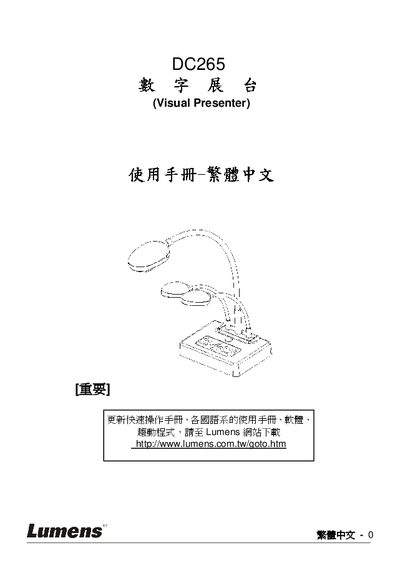
This manual covers essential safety instructions and warnings for using the Lumens DC265 visual presenter, including FCC and CE compliance notices. It also details proper handling, power connections, and recommended accessories.
The guide explains how to install and connect the device, configure DIP switch settings, use the control panel functions, and perform common tasks such as image switching, zoom, and auto‑erase. A troubleshooting section helps resolve power, image, and software issues. This manual is written in Chinese.
| Power Supply | Grounded AC mains |
|---|---|
| SD Memory Support | Supports SD memory cards |
Check that the power cable is properly connected to the device.
Verify the power supply and ensure all video connections are correctly attached.
Use the Factory Reset function in the settings menu.