
PS650 (Visual Presenter) User Manual, introduces the product's safety instructions, accessories list, product operation instructions, installation and connection, getting started, DIP switch settings, control panel/remote control button and screen menu introduction, common function description and other content
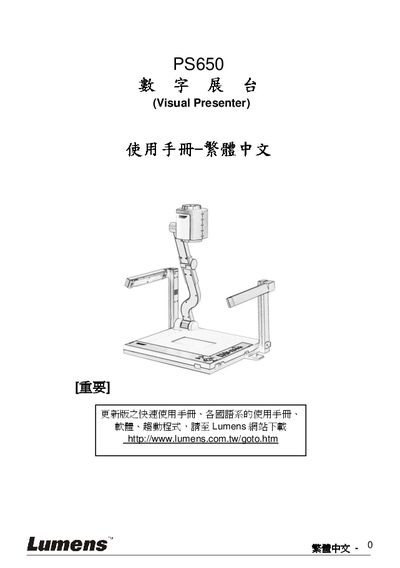
This manual covers safety guidelines, required accessories, and detailed connection procedures for the Lumens PS650 digital booth. It explains how to connect projectors, HDMI/VGA sources, audio inputs, and optional interactive whiteboards.
The guide also describes common functions such as source switching, zoom, auto‑focus, brightness adjustment, and DIP switch settings, and includes a troubleshooting section that addresses power, image, and focus issues. This manual is written in Chinese.
| Applicable Environments | Commercial, industrial, or educational; not residential |
|---|
Check that the power cable is properly plugged in.
Verify the power, inspect all cables, confirm the DIP switch settings, and check the projector configuration.