
This manual mainly introduces the use of Lumens PS750, including installation, connection, and use instructions
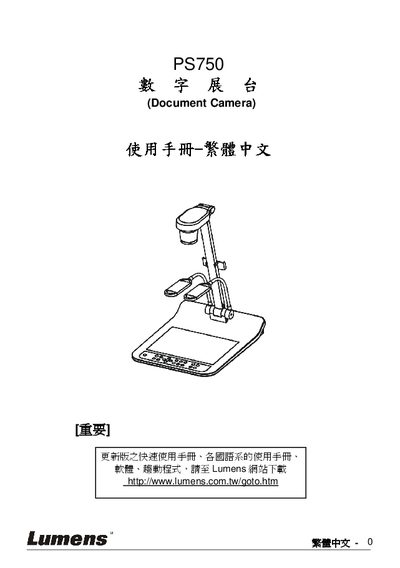
This manual covers safety guidelines, system connections, and basic operation of the Lumens PS750 document camera. It includes step‑by‑step instructions for connecting to projectors, DVD players, HDMI sources, and using the built‑in controls.
Additional sections describe DIP switch settings, common functions such as auto‑tune, zoom, focus, and a troubleshooting FAQ to help users resolve typical issues. This manual is written in Chinese.
| Power plug | Grounded AC power plug |
|---|
Do not tilt the product, avoid using it near water, use only recommended accessories, and follow all listed safety warnings.
Use the appropriate video cable (e.g., VGA or C‑Video) and follow the connection steps described in chapter 4.2.
Select the Auto Tune function (chapter 8.1) to automatically adjust brightness and focus for optimal image quality.