
Key facts
- Brand
- Lumens
- Model
- PS760
- Documents
- 3
- Languages
- ZH
- Last added
- 2026-10-14
Start here
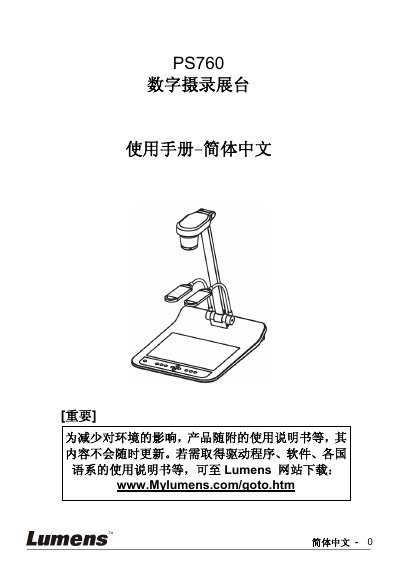
Lumens PS760 Digital Document Camera User Manual
The Lumens PS760 is a digital document camera designed for educational and commercial environments. This manual covers safety precautions, a list of included accessories, and detailed product operation diagrams. It explains how to install the device, connect it to various sources such as projectors, computers, and TVs, and how to use the control panel and remote. Key features include auto-tuning for focus and brightness, image capture and recording capabilities, and various display modes like PIP and spotlight. This manual is written in Chinese.
Read onlineLumens PS760 specifications
| Video Input | C‑Video or S‑Video |
|---|---|
| Interface | RS232 |
| Audio | Input and Output |
| Video Output | VGA (VGAOUTZ2) |
| Feature | Auto Tune |
| Feature | Factory Reset |
All Lumens PS760 documents by type
Day-to-day operation, settings and troubleshooting. Start here if the product is already set up.
Questions answered in these manuals
Can I use the built-in microphone for recording audio on a computer?
No, the PS760 does not support USB Audio specifications, so the built-in microphone cannot be used on the computer.
Why can't I record an image when the screen is rotated?
Recording is not possible when the screen is rotated 90 or 270 degrees.
How do I perform a factory reset on the PS760?
Use the Factory Reset function described on page 36 of the manual.
Where can I download the latest firmware for the PS760?
Visit the Lumens website (www.lumens.com.tw) for the latest firmware version and update instructions.
How do I automatically adjust the image brightness and focus?
Use the Auto Tune function to automatically adjust the image’s optimal brightness and focus.
How can I reset the PS760 to its factory defaults?
Select the Factory Reset option in the menu to restore the device to its original settings.