
Installation and operation guide for Linksys SD2005 and SD2008 5‑ and 8‑port 10/100/1000 Gigabit Ethernet switches.
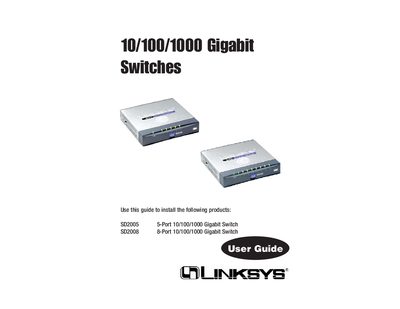
This guide provides step‑by‑step instructions for installing the Linksys SD2005 (5‑port) and SD2008 (8‑port) Gigabit Ethernet switches, including power connection, wall‑mounting, and network cabling. It also explains the switch features such as auto‑negotiating ports, LED indicators, and flow‑control settings.
Additional sections cover specifications, warranty information, and contact details for Linksys technical support, helping users configure and maintain their network devices safely and efficiently.
| Model Number | SD2005 (5‑Port) / SD2008 (8‑Port) |
|---|---|
| Ports | 5 RJ‑45 (SD2005) / 8 RJ‑45 (SD2008) 10/100/1000 Mbps |
| Cabling Type | Category 5e |
| LED Indicators | System LED + 1‑5 (SD2005) or 1‑8 (SD2008) |
| Dimensions | 5.12" × 1.18" × 5.00" (130 mm × 30 mm × 127 mm) |
| Unit Weight | 14.99 oz (0.425 kg) |
| Power | DC 12 V, 1.5 A |
| Certifications | FCC Class B, CE |
| Operating Temperature | 32 °F – 122 °F (0 °C – 50 °C) |
| Storage Temperature | -40 °F – 158 °F (-40 °C – 70 °C) |
| Operating Humidity | 20 % – 95 % non‑condensing |
| Storage Humidity | 5 % – 90 % non‑condensing |
The SD2005 model provides five RJ‑45 10/100/1000 Mbps ports.
Both switches require a DC 12 V, 1.5 A power adapter.
Use Category 5e Ethernet cables for Gigabit connections.
Attach two screws to the wall so the switch’s wall‑mount slots line up, then insert the slots onto the screws.