
This is a user guide for Linksys SLM2005 and SLM2008 models
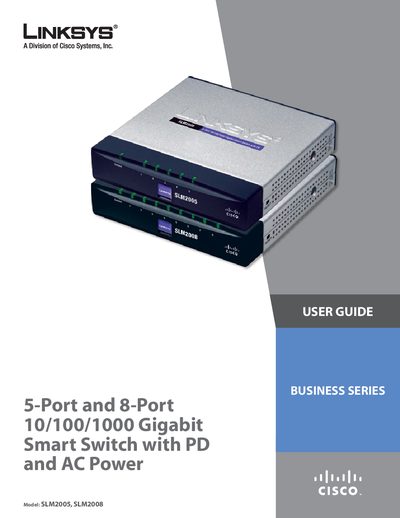
The Linksys SLM2005 and SLM2008 are 5‑port and 8‑port Gigabit Smart Switches that support 10/100/1000 Mbps Ethernet, Power‑over‑Ethernet (IEEE 802.3af) on port 1, and an optional AC power adapter. The guide explains installation, wiring, mounting, and advanced configuration such as VLANs, QoS, and link aggregation.
Key features include front‑panel LEDs for system and port status, a reset button for reboot or factory reset, a security slot for lock attachment, and both wall‑mount and desktop placement options. The manual also provides warranty, regulatory, and contact information.
| Model numbers | SLM2005 (5‑port) / SLM2008 (8‑port) |
|---|---|
| Port count | 5 or 8 RJ‑45 ports |
| Supported Ethernet speeds | 10 Mbps, 100 Mbps, 1000 Mbps (Gigabit) |
| PoE support | IEEE 802.3af Power‑over‑Ethernet (PD) on port 1 |
| Power source | AC power adapter or PoE via port 1 |
| Cable requirement | Category 5e (or better) Ethernet cable |
Press and hold the Reset button for more than 10 seconds; the switch will restore its factory default settings.
Yes, you can power the switch through port 1 using a PoE‑compatible device, or use the supplied AC power adapter.