
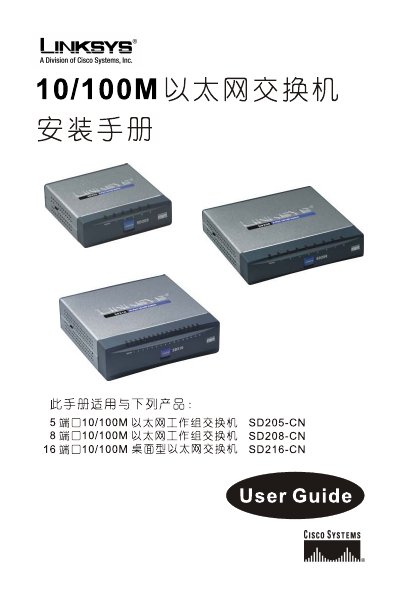
Linksys SD205-CN, SD208-CN, SD216-CN 10/100M Ethernet Switch Installation Guide


Linksys SD205-CN, SD208-CN, SD216-CN 10/100M Ethernet Switch Installation Guide - cover page
Brand
Linksys
Category
Network Switches
Document type
Installation Guide
Language
Chinese
Pages
15
File format
PDF
File size
3.2 MB
Published
20 March, 2012
Updated
29 March, 2012
MD5 checksum
818F3EE785ADEA8CC964BB0DBA7557BC

About this manual

The guide covers Linksys 10/100M Ethernet switches, including the 5‑port SD205‑CN, 8‑port SD208‑CN, and 16‑port SD216‑CN models. It explains the basic operation, LED indicators, back‑panel and side‑panel features, and safety slot for secure mounting.

Installation steps detail power connection, cable routing, and recommended practices to avoid radio interference. Warranty information, FCC compliance, and contact details for technical support are also provided. This manual is written in Chinese.

What's inside

  • Introduction
  • Product Overview
  • LED Indicators
  • Back and Side Panel Features
  • Power Connection
  • Safety Slot
  • Installation Procedure
  • Warranty and Support
  • FCC Statement

Frequently asked questions

What should I do if the switch causes radio interference?

Try reorienting or relocating the receiving antenna, increase separation from the device, move the plug to a different outlet, or consult a radio/TV technician.

What indicates that the switch is powered on?

The System LED on the front panel lights up when the switch is powered.

Download PDF (3.2 MB)

More Linksys Manuals


View all Linksys manuals →