
This file introduces the safety measures and maintenance methods of Philips 244E1 display.
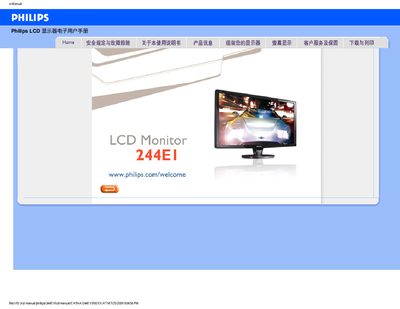
This manual covers safety precautions, proper handling, and cleaning instructions for the Philips 244EI LCD monitor. It also explains how to install drivers, adjust display settings, and connect the monitor to various computers.
Additional sections provide common troubleshooting questions, detailed panel technology information, VESA mounting guidance, and a download page for driver and firmware files.
| Native resolution | 1920 x 1080 |
|---|---|
| Refresh rate | 60 Hz |
| Panel type | IPS |
The monitor’s native resolution is 1920 × 1080 and it operates at a 60 Hz refresh rate.
Yes, the monitor includes standard VESA mounting holes for attachment to compatible brackets or arms.
Colour settings can be changed through the OSD menu, where you can select colour temperature, sRGB mode, and custom colour adjustments.