
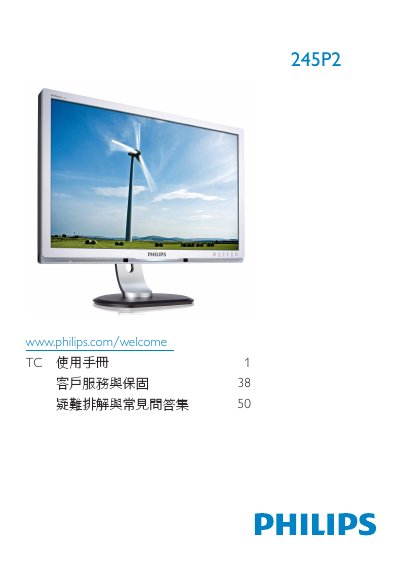
This manual is for the Philips 245P2 monitor. It covers safety precautions, installation, OSD controls, SmartImage and other image settings, PowerSensor, pixel defect policy, technical specifications, regulatory information, customer service, warranty, and troubleshooting.
The monitor supports a native resolution of 1920x1200 at 60 Hz and a 100 mm x 100 mm VESA mounting interface. SmartImage provides six modes: Office, Photo, Movie, Game, Economy, and Off. This manual is written in Chinese.
| Native resolution | 1920 x 1200 at 60 Hz |
|---|---|
| VESA mounting interface | 100 mm x 100 mm |
| Operating humidity | 20% to 80% RH |
The manual states the best display resolution is 1920x1200 at 60 Hz.
Yes, it supports a 100 mm x 100 mm VESA compatible mounting interface.
Office, Photo, Movie, Game, Economy, and Off.
Use a dry cloth and do not use organic solvents such as alcohol or corrosive liquids.