
This document is the electronic user manual for Philips 190B7 LCD monitor. It mainly introduces the usage of the monitor, common problems and troubleshooting.
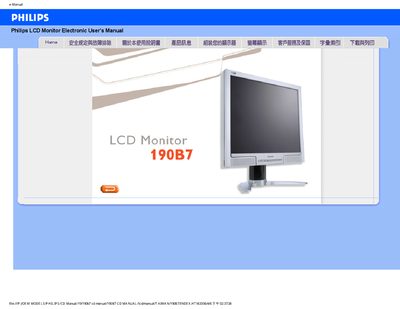
This manual covers safety precautions, proper handling, and installation steps for the Philips 190B7 19‑inch LCD monitor. It explains how to connect power, avoid direct sunlight, protect ventilation, and safely transport the unit.
The guide also includes screen‑adjustment procedures, recommended video settings, FAQ troubleshooting, USB information, and instructions for installing the FP Adjust calibration program. Additional details such as VESA mounting and cleaning recommendations are provided.
| Recommended resolution | 1280 x 1024 @ 60 Hz |
|---|---|
| Operating temperature range | 5‑35 °C |
| Operating humidity range | 20‑80 % RH |
| VESA mounting compatibility | Standard VESA mounting holes |
Disconnect all cables, connect the PC to a working monitor, set the display resolution to 1280 × 1024 @ 60 Hz, adjust the refresh rate to 60 Hz, then reconnect the Philips monitor.
The monitor is designed to operate at a refresh rate of 60 Hz.
Use a soft, lint‑free cloth; for deeper cleaning, a mild alcohol solution may be used, but avoid solvents such as acetone or strong alcohols.
Yes, the Philips Brilliance LCD monitor supports standard VESA mounting holes for wall or arm brackets.