
This is a manual for Philips LCD monitor. It introduces safety measures and maintenance of the monitor, including operation, maintenance, use environment, service and so on.
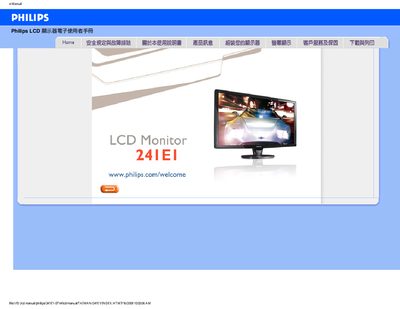
This manual covers safety precautions and troubleshooting information for the Philips 241E1-0714 LCD monitor, including handling, cleaning, and environmental limits. It also explains how to install the monitor, connect cables, and use the on‑screen display (OSD) menu.
Additional sections describe driver installation, download instructions, VESA mounting options, and common questions about resolution, refresh rate, and image artifacts such as ghosting or burn‑in.
| Recommended resolution | 1920x1080 @60Hz |
|---|---|
| Recommended refresh rate | 60Hz (up to 75Hz) |
| Operating temperature range | 0‑40 °C |
| Operating humidity range | 20‑80 % RH |
Set the resolution to 1920x1080 at 60 Hz for optimal performance.
The recommended refresh rate is 60 Hz, though you can increase it up to 75 Hz to test for improvement.