
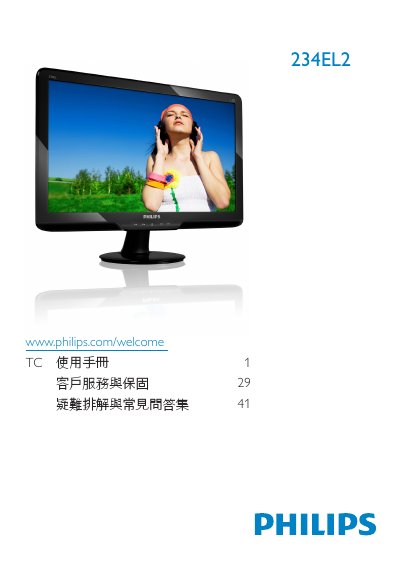
Philips 234EL2 Monitor User Manual


Philips 234EL2 Monitor User Manual - cover page
Brand
Philips
Category
Monitor
Document type
User Manual
Language
Chinese
Pages
49
File format
PDF
File size
6.3 MB
Updated
29 September, 2023
Model
234EL2
MD5 checksum
3B26E30E1AE3D51E90C7B6B7C42F75DF

About this manual

This manual explains how to install, connect, and operate the Philips 234EL2 monitor, including its on-screen display menus and SmartImage Lite modes. It also covers product information, technical specifications, regulatory information, customer service and warranty, and troubleshooting. This manual is written in Chinese.

What's inside

  • Important
  • Installation
  • Operating the monitor
  • Product information
  • SmartImage Lite
  • SmartContrast
  • Philips SmartControl Lite
  • Technical specifications
  • Regulatory information
  • Troubleshooting and FAQ

Specifications

Native resolution1920 x 1080 @ 60 Hz
VESA mount100 mm x 100 mm
Operating temperature0-40 C (32-95 F)
Operating humidity20-80% RH

Frequently asked questions

What is the recommended display resolution for the Philips 234EL2?

The monitor is designed for best performance at 1920 x 1080 @ 60 Hz.

What VESA mounting interface does the monitor support?

It supports a 100 mm x 100 mm VESA compatible mounting interface.

How should the monitor be cleaned?

When powered off, it can be wiped with a dry cloth; do not use organic solvents such as alcohol or corrosive liquids.

Download PDF (6.3 MB)

More Philips Manuals


View all Philips manuals →