
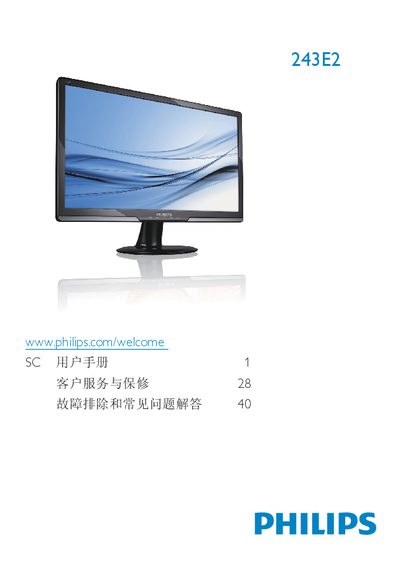
This manual provides operating instructions and precautions for users of the Philips 243E2 monitor. It covers safety measures, installation, product information, technical specifications, regulatory information, customer service, warranty and troubleshooting.
The document also describes package contents, computer connections, front-panel controls, the on-screen display menu, SmartImage Lite modes, removal of the stand and base, and the supported VESA mounting interface. This manual is written in Chinese.
| Recommended resolution | 1920 x 1080 @ 60 Hz |
|---|---|
| Operating temperature | 0-40 °C (32-95 °F) |
| Operating humidity | 20-80% RH |
| VESA mounting interface | 100 mm x 100 mm |
| SmartImage Lite modes | Standard, Internet, Game |
The monitor is designed to perform best at its native resolution of 1920 x 1080 at 60 Hz.
SmartImage Lite offers Standard, Internet, and Game modes.
The recommended operating temperature range is 0-40 °C (32-95 °F).
The monitor supports a 100 mm x 100 mm VESA compatible mounting interface.