
This document introduces the safety measures and maintenance of Philips LCD display, including operation, maintenance, precautions, etc.
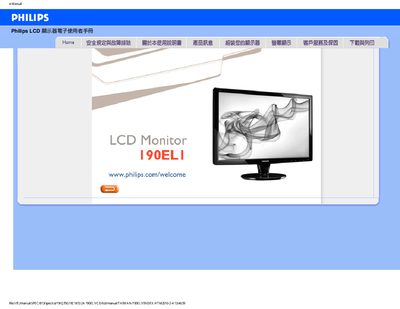
This manual provides safety guidelines, installation steps, and troubleshooting tips for the Philips 190EL1 19‑inch LCD monitor. It covers proper handling, environmental limits, and how to connect the monitor to a computer.
The document also includes a detailed FAQ section covering display settings, cleaning, wall‑mounting, and driver installation, as well as download instructions for the monitor’s driver package.
| Recommended resolution | 1440 x 900 @ 60 Hz |
|---|---|
| Recommended refresh rate | 60 Hz (up to 75 Hz) |
| Operating temperature | 0‑40 °C |
| Operating humidity | 20‑80 % RH |
Disconnect all cables, connect the computer to the previous monitor, then use the Windows display settings to select 1440 × 900 @ 60 Hz and apply the changes.
Yes, the monitor has standard VESA mounting holes that allow it to be attached to any VESA‑compatible wall‑mount.
Use a dry soft cloth; for deeper cleaning, a small amount of isopropyl alcohol is acceptable, but avoid solvents such as ethanol, acetone or gasoline.
The monitor is designed for a 60 Hz refresh rate; you may increase it to 75 Hz to see if it improves any display issues.