
221E2 display user manual, introduces the display's safety measures, installation, product information, technical specifications, regulatory information, customer service and warranty, troubleshooting and other content
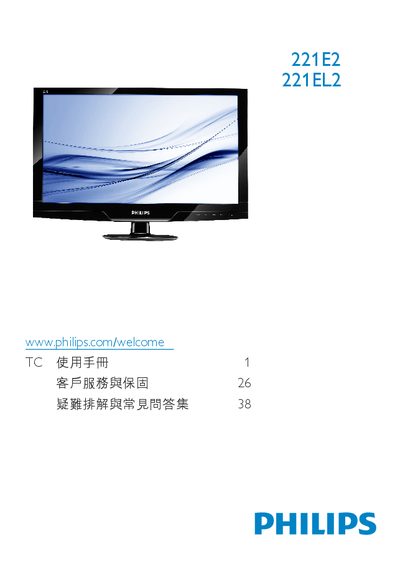
This manual begins with safety measures, proper handling, and disposal instructions, followed by detailed installation procedures for the monitor, including cable connections, base assembly, and power setup. It also covers recommended environmental conditions and warranty information.
Subsequent sections describe how to operate the monitor, adjust picture settings such as SmartImage Lite, SmartContrast, and color temperature, and provide technical specifications. The document finishes with regulatory information, customer service contacts, and an extensive FAQ for common issues. This manual is written in Chinese.
| Refresh Rate | 60 Hz (up to 75 Hz if needed) |
|---|---|
| Color Temperature Options | 5000K, 6500K, 7500K, 8200K, 9300K, 11500K |
| Required AC/DC Adapter | ADPC1236 / FSP036-DGAA1 / LCAP07F-2 |
The recommended refresh rate is 60 Hz, but you may increase it to 75 Hz if you experience interference.
Wipe the screen with a clean soft cloth; for deeper cleaning use isopropyl alcohol, avoiding other solvents such as ethanol or acetone.