
This file is the electronic user manual for Philips LCD display, which mainly introduces the safety use, common problems, troubleshooting and other contents of the product
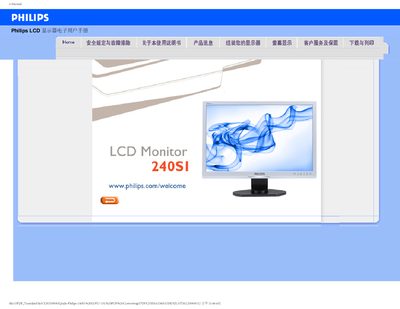
This manual covers safe handling, installation, and operation of the Philips 240SI LCD monitor. It includes safety precautions, recommended environmental conditions, and detailed instructions for connecting the monitor to PCs, Macs, or workstations.
The document also provides troubleshooting guidance, answers to common questions, OSD configuration details, and information on wall‑mounting using the VESA mounting pattern. A download section explains how to obtain driver files and print the manual.
| Recommended resolution | 1920 x 1200 @60 Hz |
|---|---|
| Recommended refresh rate | 60 Hz (up to 75 Hz for interference testing) |
| Operating temperature | 0‑40 °C |
| Operating humidity | 20‑80 % RH |
| VESA mounting | Standard VESA mounting holes |
Set the PC to the monitor’s native resolution of 1920 × 1200 @ 60 Hz, then reconnect the monitor and power it on.
The recommended refresh rate is 60 Hz; you can increase it to 75 Hz to check for interference.
Yes, the monitor can be mounted on a VESA‑compatible wall bracket using the standard VESA mounting holes on the back.