
This document is the user manual for Philips LCD monitors, which includes safety precautions, troubleshooting, common problems, and regulations. The manual provides guidance on the use and maintenance of the monitor, such as avoiding direct sunlight, ensuring ventilation, and unplugging the power cord. It also introduces the features and performance of LCD monitors.
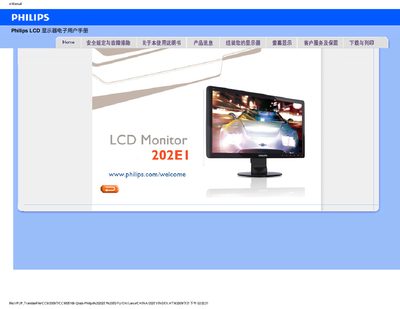
This manual provides safety instructions, troubleshooting steps, and setup guidance for the Philips 202E1 LCD monitor. It covers safe usage, maintenance, and common issues like image residue or resolution mismatch. The monitor supports 1600 x 900 @60Hz resolution and is compatible with PCs, Macs, and workstations. It includes details on cleaning, mounting, and color settings via OSD.
| Recommended Resolution | 1600 x 900 @60Hz |
|---|---|
| Refresh Rate | 60Hz (up to 75Hz for interference) |
| Color Temperature Settings | 5000K to 11500K |
The recommended resolution is 1600 x 900 @60Hz.
Yes, it can be mounted on the wall using VESA mounting holes on the back.
Set the PC resolution to 1600 x 900 @60Hz via Windows Display Settings.
Use a clean soft cloth; for detailed cleaning, use isopropyl alcohol, not alcohol, acetone, or hexane.