
This electronic user manual provides detailed operating instructions for the Philips 220S1 LCD display. It includes safety measures and maintenance, common questions and answers, troubleshooting and related regulations.
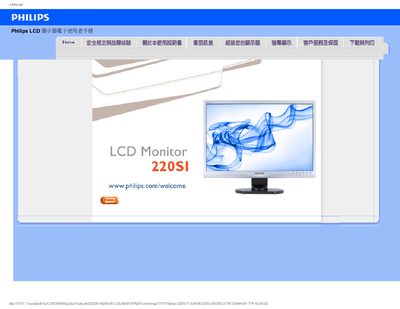
This manual provides safety instructions, proper handling, and environmental requirements for the Philips 220S1 LCD monitor. It explains how to avoid damage, clean the screen, and maintain optimal performance.
The guide also contains a detailed FAQ section covering common issues such as no‑display, image retention, resolution settings, and driver installation, plus information on VESA mounting and supported operating frequencies. This manual is written in Chinese.
| Screen size | 22" |
|---|---|
| Native resolution | 1680 x 1050 @60 Hz |
| VESA mount | Standard VESA mounting holes |
Set the display resolution to the native 1680 × 1050 @ 60 Hz using the Windows display settings, then reconnect the monitor.
These are common LCD phenomena caused by static images; they usually disappear after the monitor is turned off for a while, but severe cases may be permanent.
Yes, the monitor has standard VESA mounting holes for attachment to VESA‑compatible brackets or arms.