
This user manual introduces the use of LaCie hard disk, including connection, formatting and data transfer.
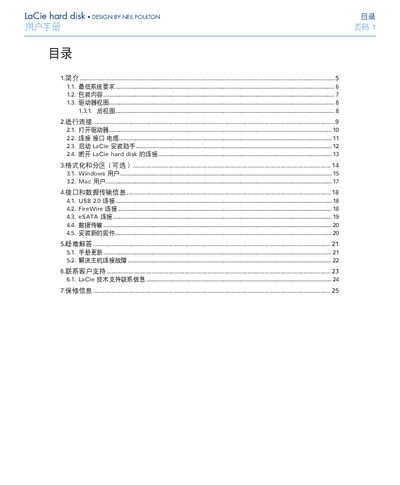
This manual explains how to install and use the LaCie external hard disk. It covers system requirements, package contents, drive view, and step‑by‑step instructions for connecting the device via USB 2.0, FireWire 400/800, or eSATA, as well as optional formatting and partitioning for Windows and Mac.
Additional sections address interface specifications, data‑transfer rates, troubleshooting common connection problems, customer‑support contacts, and warranty details. Safety warnings and environmental requirements are also included to ensure reliable operation.
| Power Input | 100‑240 V |
|---|---|
| Operating Temperature | 5 °C – 35 °C (41 °F – 95 °F) |
| Operating Humidity | 5 % – 80 % non‑condensing (storage 10 % – 90 % non‑condensing) |