
LaCie Little Disk, Design by Sam Hecht is a slim and portable hard drive that supports USB 2.0 connectivity for easy storage and carrying of data, music, photos, and videos. The drive features Sam Hecht's sleek and polished design, making it perfect for on-the-go use.
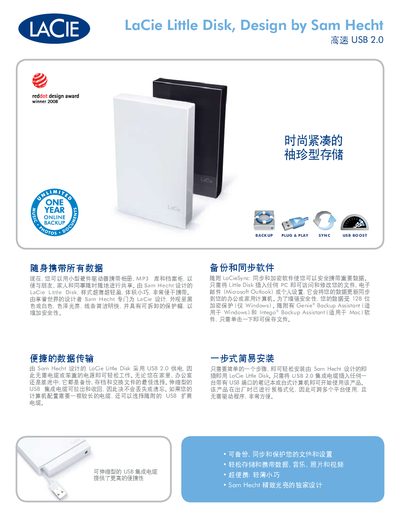
The LaCie Little Disk is a compact, ultra‑thin USB 2.0 external hard drive designed by Sam Hecht. It offers plug‑and‑play backup with LaCieSync, Genie (Windows) and Intego (Mac) backup assistants, and supports encrypted storage.
The guide includes feature highlights, packaging contents, system requirements, and technical specifications such as capacity options, transfer speeds, dimensions, and compatible operating systems. This manual is written in Japanese.
| Interface | USB 2.0 (compatible with USB 1.1) |
|---|---|
| Maximum Transfer Speed | 480 Mbps |
| Write Speed | 30‑35 MB/s |
| Capacity Options | 250 GB, 320 GB, 500 GB |
| Dimensions | 81 × 129 × 18 mm |
| Minimum RAM | 32 MB |
| Supported OS (Mac) | Mac OS X 10.3 or later |
It connects via a USB 2.0 interface and is also compatible with USB 1.1.
The drive is offered in 250 GB, 320 GB, and 500 GB capacities.
You need a PC or Mac with a USB 2.0 port, Windows 2000/XP/Vista or Mac OS X 10.3+, and at least 32 MB of RAM.
The Little Disk measures 81 mm × 129 mm × 18 mm.