
LaCie Mobile Disk Hi-Speed USB 2.0 is portable storage for everyone, offering up to 500GB of massive storage at an affordable price. The sleek black aluminum casing is both durable and stylish, keeping your data safe on the go, and the extremely slim design makes it easy to carry. With a maximum burst transfer rate of 28-32MB/s, Mobile Disk provides the performance and universal connectivity that high-speed USB 2.0 has to offer.
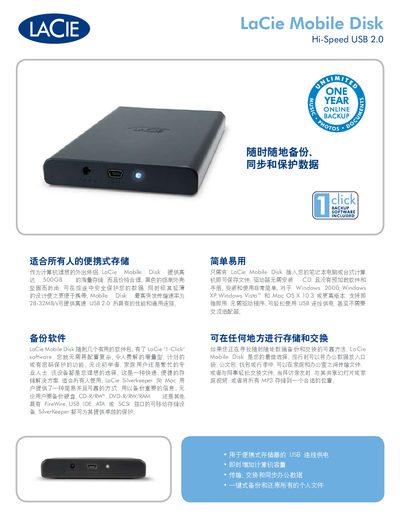
The LaCie Mobile Disk is a portable external hard drive designed for easy data backup and transfer while traveling. It offers high‑capacity storage options (250 GB, 320 GB, 500 GB) and a durable, lightweight aluminum case.
This guide explains how to install the device on Windows or Mac systems, outlines its key features such as high‑speed USB 2.0 performance, and lists the technical specifications, system requirements, and included software (1‑Click backup and SilverKeeper). This manual is written in Chinese.
| Storage capacities | 250 GB, 320 GB, 500 GB |
|---|---|
| Interface | USB 2.0 |
| Maximum transfer rate | 480 Mbit/s |
| Typical transfer speed | 28‑32 MB/s |
| Dimensions (W×D×H) | 81 mm × 128 mm × 15 mm |
| Weight | 170 g |
The drive can reach up to 480 Mbit/s (about 28‑32 MB/s in typical use).
The unit measures 81 × 128 × 15 mm and weighs approximately 170 g.