
LaCie 2big Triple User Manual, introduces the features and characteristics of the product, including minimum system requirements, package contents, drive views, cables and connectors, setting up LaCie 2big, RAID modes, troubleshooting, contacting customer support, and warranty
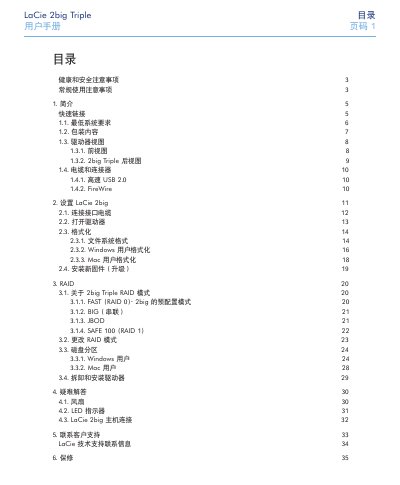
This manual covers health and safety precautions, general usage guidelines, and detailed instructions for installing and configuring the LaCie 2big Triple RAID storage device. It includes system requirements, cable connections, formatting steps, firmware updates, and how to change RAID modes.
Additional sections provide troubleshooting tips, LED indicator explanations, customer support contacts, and warranty details to help users maintain reliable operation of the device. This manual is written in Chinese.
| Power requirements | 100‑240 V~, 1.5 A, 50‑60 Hz |
|---|---|
| Operating humidity range | 5 % – 80 % (non‑condensing) |
| Maximum altitude | 2000 m |
| Interface options | USB 2.0, FireWire 400, FireWire 800 |
Use the RAID configuration section (3.2) in the manual to select a different RAID mode such as FAST, BIG, JBOD, or SAFE 100.
The device requires 100‑240 V~, 1.5 A at 50‑60 Hz.