
LaCie petit Hard Disk User Manual introduces the features and characteristics of the product, including the contents of the box, the minimum system requirements, the drive view, the connection, the formatting and partitioning, the interface and data transmission information, the troubleshooting, the customer support and warranty information.
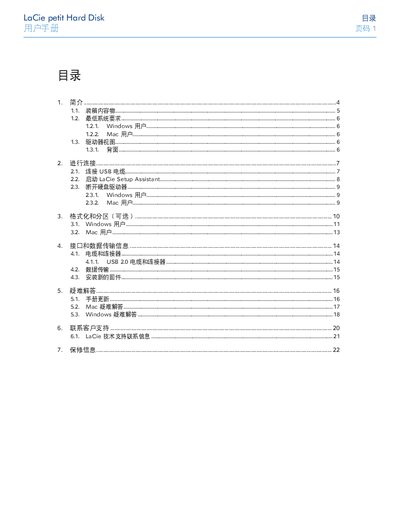
This manual explains how to connect the LaCie petit Hard Disk via its USB 2.0 cable, run the LaCie Setup Assistant, and format the drive for Windows, Mac or both. It also covers safety precautions, operating temperature and humidity limits, and the supported file‑system types.
Additional sections describe troubleshooting steps, how to safely disconnect the drive, contact information for technical support worldwide, and warranty conditions. This manual is written in Chinese.
| Interface | USB 2.0 |
|---|---|
| Power Input | USB power port (cable sold separately) |
| Operating Temperature | 5 °C to 35 °C (41 °F to 95 °F) |
| Operating Humidity | 5 %–80 % non‑condensing (storage 10 %–90 %) |
| Supported File Systems | NTFS, FAT 32 (MS‑DOS), HFS+ (Mac OS Extended) |
| Capacity Units | 1 GB = 1 000 000 000 bytes; 1 TB = 1 000 000 000 000 bytes |