
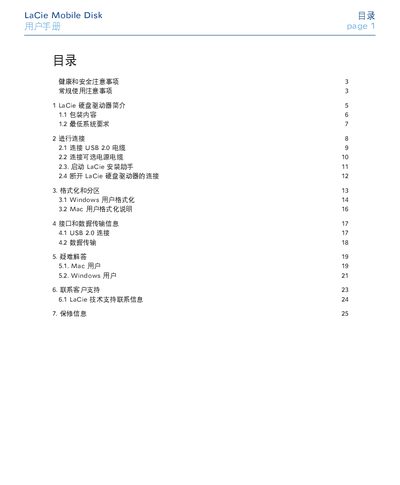
This manual introduces the LaCie Mobile Disk external hard drive, lists the package contents, and outlines the minimum system requirements for Windows and Mac computers. It then guides users through connecting the USB 2.0 cable, optional power cable, and launching the LaCie installation assistant.
Further sections cover formatting and partitioning for Windows and Mac, interface specifications, data‑transfer details, troubleshooting tips for common issues, contact information for technical support, and warranty conditions. This manual is written in Chinese.
| Power Input | 100‑240 V~, 1.5 A, 50‑60 Hz |
|---|---|
| Operating Temperature | 5 °C to 35 °C (41 °F to 95 °F) |
| Operating Humidity | 5 %–80 % non‑condensing |
| Interface | USB 2.0 |
Check that both ends of the USB cable are fully inserted, disconnect and reconnect after waiting 10 seconds, and if the drive is still not recognized, restart the computer and try again.