
LaCie Desktop Hard Disk User Manual introduces the basic usage methods of the hard disk, including connection, formatting, data transmission, etc.
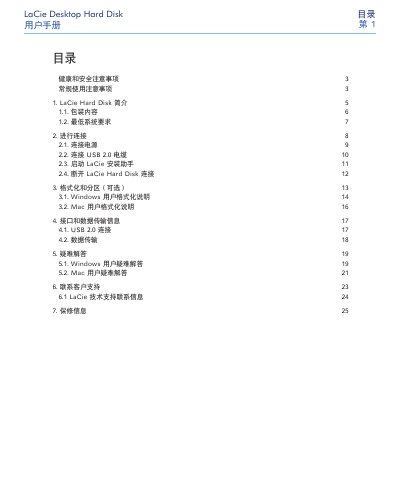
This manual explains how to install and use the LaCie Desktop Hard Disk. It covers health and safety precautions, required system specifications, power and USB connections, and the LaCie installation assistant.
Additional sections describe optional formatting and partitioning for Windows and Mac, data transfer details, troubleshooting tips, warranty information, and contact details for technical support. This manual is written in Chinese.
| Power Input Voltage | 100‑240 V~ |
|---|---|
| Power Input Current | 1.5 A |
| Operating Humidity Range | 5 % – 80 % non‑condensing |
| USB Interface | USB 2.0 |
Yes, the drive is pre‑formatted for cross‑platform use, and optional formatting instructions are provided for Windows and Mac users.
Ensure the drive is connected directly to a USB 2.0 port, not a USB 1.1 port or hub; otherwise the speed will be limited to USB 1.1 rates.