
LaCie LaCinema Classic User Manual, introduces the features and characteristics of LaCie LaCinema Classic, including instructions for use, connection methods, and playback methods.
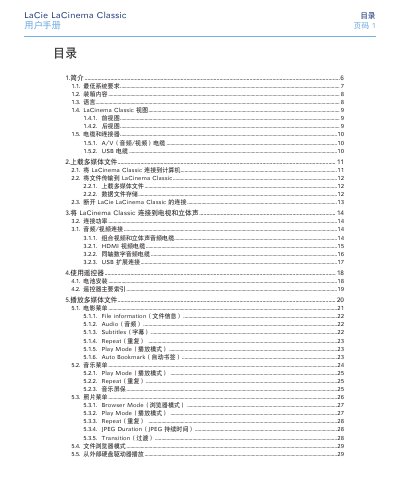
This manual introduces the LaCie LaCinema Classic, a portable media player that connects directly to TVs and computers to play movies, music, and photos. It covers system requirements, box contents, supported formats, and safety guidelines.
Detailed sections explain how to upload media files, connect audio/video cables (HDMI, composite, USB), use the remote control, format the drive, troubleshoot common issues, and obtain warranty and support information. This manual is written in Chinese.
| Power Input | 100‑240 V~, 1.5 A, 60‑50 Hz |
|---|---|
| Supported Audio Output | Stereo analog and S/PDIF coaxial |
| Supported Video Formats | MPEG‑4 (DivX, AVI, XviD) |
| Minimum System Requirements – Mac | G4 or higher, Intel Core Duo, Mac OS X, ≥256 MB RAM, USB port, Internet connection |
| Minimum System Requirements – Windows | 500 MHz Intel Pentium II or higher, Windows 2000/XP/Vista, ≥256 MB RAM, USB port, Internet connection |
Use the HDMI cable for the best audio/video quality, or connect the composite A/V cable if the TV does not have an HDMI input.
The manual supports English, French, German, Italian, Spanish, and Portuguese.
Refer to section 5.7 “Firmware Update” in the manual for the update procedure.
Operate the device between 5 °C and 30 °C with humidity between 5 % and 80 % (non‑condensing).