
LaCie Network Space 2 User Manual, introduces the features and characteristics of the product, including connecting to the network, accessing and transferring files, and managing LaCie Network Space 2
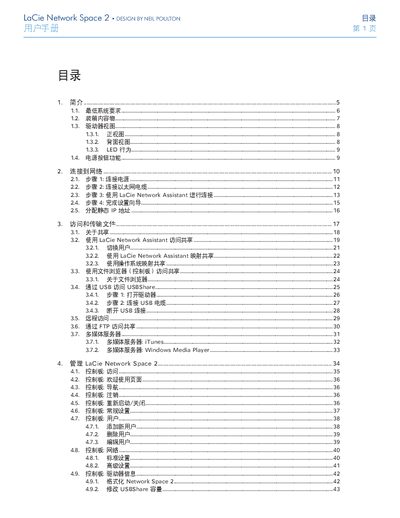
This manual guides you through connecting the LaCie Network Space 2 to power and Ethernet, installing the Lacie Network Assistant, and completing the setup wizard. It also covers how to access files over the network, via USB, and through multimedia servers such as iTunes and Windows Media Player.
Additional sections describe the control panel functions, user management, power and network settings, firmware updates, factory reset, and warranty information. Safety and regulatory notices are included to ensure proper installation and use. This manual is written in Chinese.
| Power Requirement | 100-240 V~, 0.9 A, 50-60 Hz |
|---|---|
| Ethernet Speed | 10/100/1Gb |
| USB Interface | USB 2.0 |
| Minimum Disk Space | Recommended 600 MB |
Connect the power cable, then the Ethernet cable, launch the Lacie Network Assistant, and follow the setup wizard to complete configuration.
Select the ‘Restore Factory Settings’ option in the control panel (section 4.16).
Yes. Open the drive, connect a USB cable, and use the USBShare feature to access or copy files from external USB storage.