
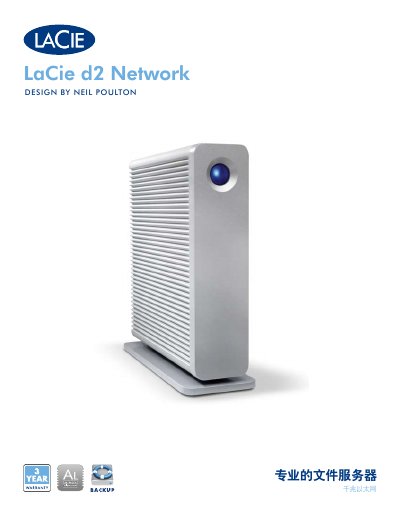
The document describes the LaCie d2 Network as a Gigabit Ethernet file server for centralized storage, sharing and backup from PCs or Macs on a network. It lists SMB, AFP, FTP, HTTP, HTTPS, Bonjour and BitTorrent support and says the device can be backed up to an external drive over USB or eSATA.
It also covers multimedia streaming to UPnP AV/DLNA devices, iTunes compatibility, access controls, Active Directory support, wake-on-LAN, the fanless aluminum heat-sink design, package contents, system requirements and specifications. The leaflet states a three-year limited warranty and lists 500GB, 1TB and 1.5TB capacity versions. This manual is written in Chinese.
| Interface | Gigabit Ethernet 10/100/1000 Base-TX |
|---|---|
| Network protocols | SMB (Windows/Mac/Linux), AFP (Mac), FTP, HTTP, HTTPS, Apple Bonjour, BitTorrent |
| Expansion ports | 1 x USB; 1 x eSATA |
| Dimensions | 44 x 160 x 173 mm |
| Warranty | 3-year limited warranty |
| Capacity options | 500GB, 1TB, 1.5TB |
It is a Gigabit Ethernet file server for centralized storage, sharing and backup from any PC or Mac on a network.
It supports SMB, AFP, FTP, HTTP, HTTPS, Apple Bonjour and BitTorrent.
Yes, it can be backed up to an external hard drive using USB or eSATA.
It is recommended for networks with no more than 50 users and can manage 15 users at a time.