
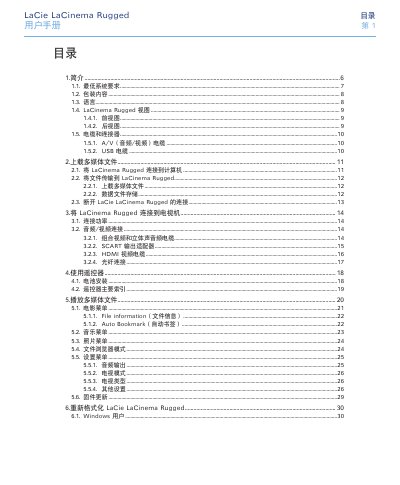
LaCie LaCinema Rugged User Manual, introduces the features and characteristics of the product, including the minimum system requirements, packaging contents, language, LaCinema Rugged view, cables and connectors, upload multimedia files, connect LaCinema Rugged to a TV, use the remote control, play multimedia files, reformat LaCie LaCinema Rugged, technical information, troubleshooting, contact customer support, warranty information, glossary, etc.
The LaCie LaCinema Rugged is a portable hard‑drive that stores movies, music, and photos and can be connected directly to a TV or audio system for playback. This manual explains how to prepare the device, transfer files, and use the remote control.
Key sections cover system requirements, cable and connector options (HDMI, SCART, composite, USB), uploading multimedia files, navigating menus, firmware updates, reformatting, and troubleshooting for both Windows and Mac users.
| Power requirements | 100‑240 V~, 1.5 A, 60‑50 Hz |
|---|---|
| Operating temperature | 5 °C to 30 °C |
| Supported video output | HDMI (max 1080i), composite, SCART |
| Supported audio output | Stereo analog (left/right), optical SPDIF |
| Supported subtitle formats | SUB, SRT, SMI |