
LaCie FireWire 800 ExpressCard 34 is a dual-port FireWire 800 adapter for PC or Mac notebooks. It supports FireWire 800, 400, 200, and 100Mbits/s devices, and features plug-and-play and hot-swappable operation.
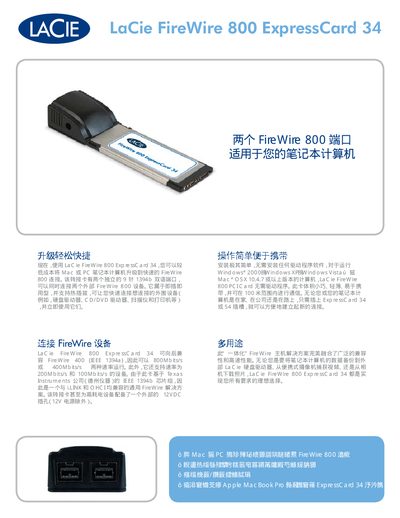
The LaCie FireWire 800 ExpressCard 34 adds two independent 9‑pin 1394b ports to a notebook, allowing simultaneous connection of two external FireWire devices. It is plug‑and‑play, supports hot‑plug, and requires no driver installation on Windows or Mac OS X.
The card is compatible with FireWire 800, 400, 200 and 100 Mbit/s devices, includes an external 12 VDC power jack for high‑consumption peripherals, and fits into an ExpressCard 34 or 54 Type II slot. It measures 112 × 21 mm (1.34 × 0.83 in) and complies with IEEE 1394b standards. This manual is written in Chinese.
| Number of FireWire ports | 2 |
|---|---|
| External power connector | 12 VDC jack (excluding 12 V power) |
| ExpressCard type | 34 mm and 54 mm Type II, 1‑Lane PCI‑Express |
It provides two independent 9‑pin FireWire 800 ports.
No driver installation is required for Windows or Mac OS X.
The card includes an external 12 VDC power jack (excluding 12 V power).