
LaCie hard disk MAX user manual, introduces the connection, formatting, partitioning, RAID, disassembly and installation of the product
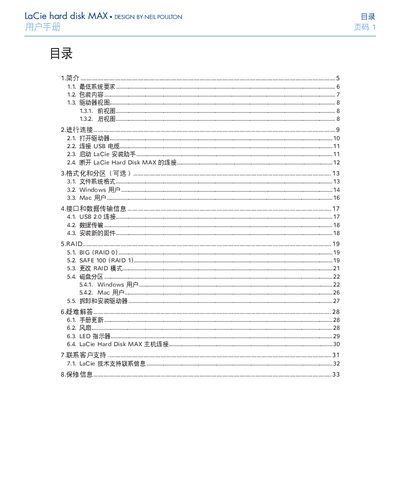
This manual explains how to install and use the LaCie Hard Disk MAX external storage device. It covers system requirements, unpacking, connecting the USB cable, launching the LaCie installation assistant, and optional formatting or partitioning for Windows and Mac users.
Safety guidelines, operating temperature and humidity limits, LED status indicators, fan installation, and warranty details are also included, along with contact information for LaCie technical support worldwide. This manual is written in Chinese.
| Power Input | 100‑240 V~, 15 A, 50‑60 Hz |
|---|---|
| USB Interface | USB 2.0 |
LaCie guarantees the drive against material and workmanship defects for the period indicated on the warranty card, with repair or replacement options.
Yes, the manual includes separate formatting and partitioning instructions for Windows and Mac users.