
The Dell PowerConnect W-6000 Fan Tray (HW-FT) circulates air to cool the W-6000M3 modules in the PowerConnect W-6000 Controller chassis, and is required for normal operation.
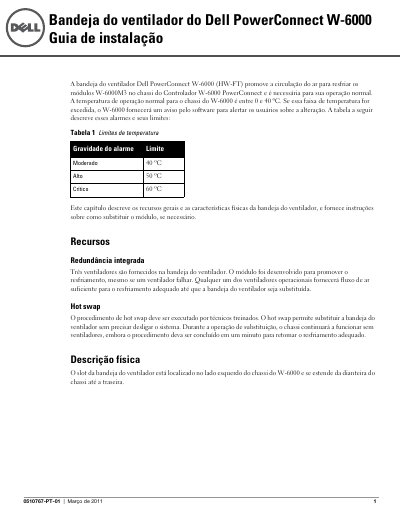
The Dell PowerConnect W-6000 fan tray (HW-FT) circulates air to cool the W-6000M3 modules in the PowerConnect W-6000 Controller chassis. It has three fans for redundancy and supports hot-swap replacement by trained technicians; the chassis continues operating without fans during the replacement, which should be completed within one minute.
The guide describes the tray's physical features, Fan Status LED behavior, and temperature alarm limits. It also gives steps for preparing a new tray, removing the old tray, inserting the new one, and checking that all fans are working. This manual is written in Portuguese.
| Fan tray model | HW-FT |
|---|---|
| Number of fans | 3 |
| Normal operating temperature range | 0 to 40 ºC |
| Moderate alarm limit | 40 ºC |
| High alarm limit | 50 ºC |
| Critical alarm limit | 60 ºC |
| Hot-swap completion time | 1 minute |
It contains three fans, which provide redundancy if one fan fails.
The normal operating temperature range is 0 to 40 ºC.
An amber LED means one fan has failed, but the other two can provide cooling until the fan tray is replaced.
The replacement should be completed within one minute.