
This document is a quick start guide for Dell laptop, describing how to set up and use the laptop.
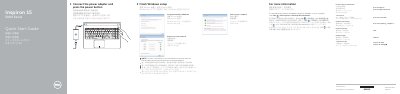
This quick start guide helps set up a Dell Inspiron 15 5000 Series laptop, including connecting the power adapter, finishing Windows setup, setting a password, connecting to a network, and protecting the computer.
It also identifies the laptop's ports and controls, lists shortcut keys, and provides product support, manual, regulatory, and computer model information.
| USB 2.0 ports | 2 |
|---|---|
| USB 3.0 port | 1 |
| HDMI port | 1 |
| Network port | 1 |
| Media-card reader | 1 |
| Headset port | 1 |
| Optical drive | 1 |
| Security-cable slot | 1 |
Connect the power adapter and press the power button.
Click Start, then All Programs, then Dell Help Documentation.
See Specifications at dell.com/support.
Inspiron 15-5555, part of the Inspiron 15 5000 Series.