
Dell Inspiron 24-3452 Quick Start Guide

This document describes how to set up the keyboard and mouse.
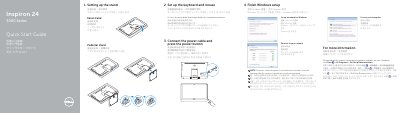

Dell Inspiron 24-3452 Quick Start Guide - cover page
Brand
DELL
Category
Desktops
Document type
Quick Start Guide
Language
English
Pages
2
File format
PDF
File size
368 KB
Published
26 November, 2023
Updated
26 November, 2023
MD5 checksum
89B6D50B0666F669A00BFA793312BF0B

About this manual

This guide helps you set up your Dell Inspiron 24-3452 computer quickly. It covers connecting the keyboard and mouse, completing Windows setup, setting a password, connecting to a network, and protecting your computer. It also includes a diagram of the computer’s features and ports.

For more details, refer to the included documentation or visit dell.com/support for additional resources.

What's inside

  • Setting up the keyboard and mouse
  • Finish Windows setup
  • Set up password for Windows
  • Connect to your network
  • Protect your computer
  • Features and components

Frequently asked questions

What ports are included for USB 3.0 connections?

There are two USB 3.0 ports.

Download PDF (368 KB)

More DELL Manuals


View all DELL manuals →