
OptiPlex 5055 Tower Quick Start Guide
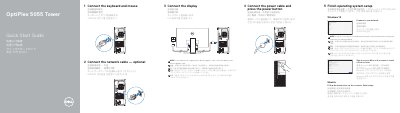
This quick start guide covers initial setup for the Dell OptiPlex 5055 Tower, including connecting the keyboard, mouse, network cable, display, and power cable, then pressing the power button.
It also explains finishing operating system setup for Windows 10 or Ubuntu, locating Dell apps such as SupportAssist, and identifying the computer's front and rear ports and connectors.
| Computer model | OptiPlex 5055 Tower |
|---|---|
| Regulatory model | D18M |
| Regulatory type | D18M004 |
Connect the display to the discrete graphics card.
Follow the instructions on the screen to finish setup.
Visit Dell.com/support and Dell.com/support/manuals.