
The Dell Storage NX3230 System Getting Started Guide describes how to set up and use the Dell Storage NX3230 System.
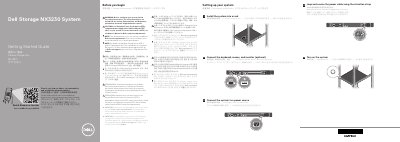
This Dell Storage NX3230 System Getting Started Guide explains how to set up the system, including rack installation, connecting a keyboard, mouse, and monitor, connecting to a power source, securing the power cable, and turning on the system. Safety instructions and references to the Owner’s Manual are included.
Technical specifications cover power rating per PSU of 750 W or 1100 W, heat dissipation up to 4100 BTU/hr, a CR 2032 3.0 V lithium coin cell system battery, and a maximum continuous ambient temperature of 35°C.
| Power rating per power supply unit (PSU) | 750 W or 1100 W |
|---|---|
| Heat Dissipation | 2891 BTU/hr maximum (750 W PSU); 4100 BTU/hr maximum (1100 W PSU) |
| System battery | CR 2032 3.0 – V lithium coin cell |
| Maximum ambient temperature | 35°C |
| IT power systems phase to phase voltage | not exceeding 230 V |
Windows Storage Server 2016 or 2012 R2 is installed at the Dell factory.
Use Extended Power Performance (EPP) compliant power supply units indicated by the EPP label.
The documentation set is available at Dell.com/storagemanuals.