
Quick Start Guide for Dell Latitude 12 5000 Series E5270 laptop.
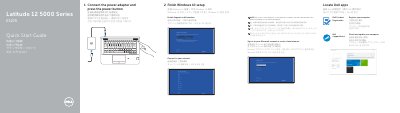
This multilingual quick start guide for the Dell Latitude 12 5000 Series E5270 laptop shows how to connect the power adapter and press the power button, locate Dell apps, and finish Windows 10 setup.
The guide also lists laptop features including connectors, indicators, and optional items, and provides Dell support, contact, regulatory, and safety references.
| Computer model | Latitude 12-E5270 |
|---|---|
| Regulatory model | P23T |
| Regulatory type | P23T001 |
| Rated voltage | 100–240 V |
| Rated frequency | 50/60 Hz |
| Rated input current | 1.7 A (65 W) / 2.5 A (90 W) |
Connect the power adapter and press the power button.
The guide describes finishing Windows 10 setup.
Dell lists Dell.com/support/manuals for product support and manuals.
The listed regulatory model is P23T.