
Dell laptop user manual.
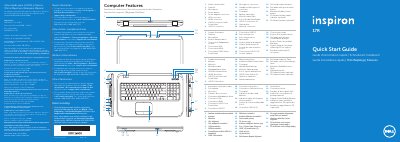
This Dell quick start guide covers the Inspiron 5720/7720 laptop. It presents guide text in English, French, German, Italian, and Turkish, and includes a Spanish NOM notice for Mexico. The regulatory model is P15E and the type is P15E001.
The guide labels the laptop's features and connectors, then walks through connecting the power adapter, pressing the power button, following Windows setup, and checking wireless status. It also lists function keys and provides spaces to record the Windows password and Service Tag.
| Computer model | Inspiron 5720/7720 |
|---|---|
| Regulatory model | P15E |
| Type | P15E001 |
| Input voltage | 100–240 VAC |
| Input frequency | 50–60 Hz |
| Maximum input current | 1.50 A/1.60 A/1.70 A/2.30 A/2.50 A |
The guide covers the Dell Inspiron 5720 and Inspiron 7720.
Connect the power adapter, press the power button, follow Windows setup, and check the wireless status.
Use the function key labeled for turning wireless off/on.
The regulatory model number is P15E.