
The Dell Alienware 13 R2 Series laptop is a thin and light gaming laptop that packs a powerful punch with an Intel Core i7 processor and NVIDIA GeForce GTX 960M graphics card. The laptop also features a 13.3-inch IPS display with a resolution of 2560x1440, providing excellent visuals. Additionally, the laptop comes with 8GB of RAM and a 256GB solid-state drive, ensuring fast performance.
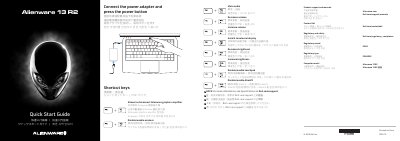
The Dell Alienware 13 R2 Series quick start guide provides product support and contact links, regulatory and safety references, and shortcut-key descriptions. It shows how to connect the power adapter and press the power button to start the laptop.
The guide also labels the laptop’s exterior features, including the microphones, camera, status lights, ports, touch pad, backlit keyboard, power button, and service tag label.
| Computer model | Alienware 13 R2 |
|---|---|
| Regulatory type | P56G002 |
| Thunderbolt 3 port | USB-C |
| USB 3.0 port | with PowerShare |
| External graphics connection | External Graphics Port |
Connect the power adapter and press the power button.
The guide lists the computer model as Alienware 13 R2.
It says to see Specifications at Dell.com/support.
The guide lists a Disable/enable wireless shortcut.