
Inspiron 15 7000 Series Quick Start Guide.
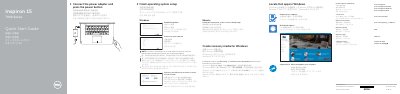
This quick start guide helps set up the Dell Inspiron 15 7000 Series computer, including connecting the power adapter, completing operating system setup for Windows or Ubuntu, and creating Windows recovery media.
It also identifies the computer's features and ports, lists shortcut keys, and shows the supported modes: Notebook, Tablet, Tent, and Stand.
| Regulatory model | P55F |
|---|---|
| Regulatory type | P55F002 |
| Computer model | Inspiron 15-7568 |
In Windows search, type Recovery, click Create a recovery media, and follow the instructions on the screen.
Product support and manuals are available at Dell.com/support and Dell.com/support/manuals.
The listed shortcut keys include mute audio, volume control, play/pause and track navigation, external display, search, keyboard backlight, brightness, wireless, and Fn-key lock.
The supported modes are Notebook, Tablet, Tent, and Stand.