
This guide explains how to set up Windows. First, connect the power adapter and press the power button. Then, set up a Windows password and connect to the network.
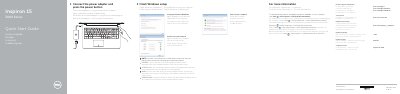
The Dell Inspiron 15-3558 Quick Start Guide provides essential instructions for initial setup and hardware identification. It guides users through finishing the Windows installation, including setting up a password and connecting to a network.
The document also includes a detailed map of the laptop's physical features, such as ports and buttons, and a list of available keyboard shortcut keys for audio, brightness, and system controls.
You can click Start → All Programs → Dell Help Documentation.
Enter the password for the wireless network access when prompted.