
The Dell Latitude 15 5000 Series E5570 Quick Start Guide provides information on how to set up and use the Dell Latitude 15 5000 Series E5570.
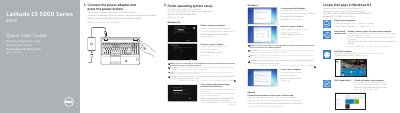
This guide helps you power on and set up your Dell Latitude 15 5000 Series E5570 laptop. It covers connecting the power adapter, setting up Windows 8.1 or Windows 7, registering your computer, and connecting to a network.
The guide also lists the laptop’s ports and features, including USB 3.0, HDMI, VGA, Thunderbolt 3 (optional), SD card reader, fingerprint reader (optional), and more. It includes instructions for security setup and accessing Dell support.
Enter the password for the wireless network access when prompted.
Ports include USB 3.0, HDMI, VGA, Thunderbolt 3 (optional), SD card reader, and more.