
The Dell Latitude 3190 Quick Start Guide introduces the features and functions of the product.
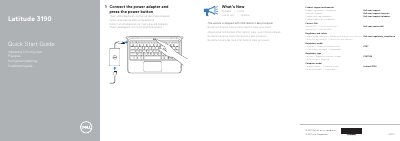
This Dell Latitude 3190 Quick Start Guide provides basic setup steps, including connecting the power adapter and pressing the power button. It is presented in English, Danish, Finnish, Norwegian, and Swedish.
The guide lists computer features such as the camera, microphone, speakers, touchpad, USB 3.1 Gen 1 ports, HDMI port, and power connector. It also includes the regulatory model P26T, computer model Latitude 3190, and Dell support contact details.
| Processor | Intel Gemini Lake processor |
|---|---|
| Ports | USB 3.1 Gen 1 ports |
| Port | HDMI port |
Connect the power adapter and press the power button.
The system is shipped with an Intel Gemini Lake processor.