
The Dell Precision 3510 Quick Start Guide provides instructions on how to use the Dell Precision 3510 laptop.
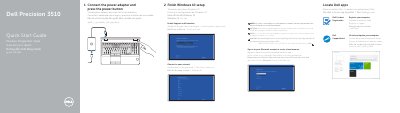
This guide helps you quickly set up your Dell Precision 3510. It covers connecting the power adapter, starting Windows 10, and connecting to a network. The guide also lists all ports and features, including optional components like fingerprint readers and Thunderbolt 3 connectors.
Connect the power adapter and press the power button.
The guide lists connecting the power adapter, locating Dell apps, product registration, checking and updating the computer with SupportAssist, finishing Windows 10 setup, enabling Support and Protection, connecting to a network, and signing in to a Microsoft account or creating a local account.
Enter the password for wireless network access when prompted.
The listed features include a network connector, VGA connector, HDMI 1.4 connector, three USB 3.0 connectors, an SD memory-card reader, headset connector, optional Thunderbolt 3 connector, and dock connector.