
The Dell Latitude 13 Quick Start Guide provides information on how to use the Dell Latitude 13 laptop.
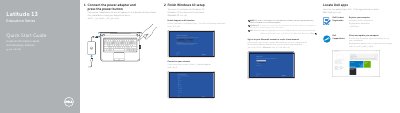
This guide helps you set up your Dell Latitude 3350 laptop. Connect the power adapter, finish Windows 10 setup, and sign in to your Microsoft account. It also lists hardware features like camera, microphone, ports, and status lights.
The guide includes multilingual instructions in English, French, Turkish, Arabic, and Chinese, with notes on connecting to secured wireless networks and registering your device.
| Computer Model | Latitude-3350 |
|---|---|
| Regulatory Model | P47G |
| Regulatory Type | P47G002 |
Enter the wireless network access password when prompted.
Go to Dell.com/support and follow the product registration steps.