
OptiPlex 5040 Small Form Factor Quick Start Guide
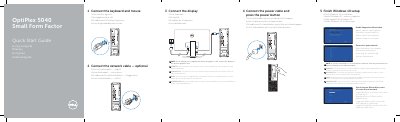
This quick start guide for the Dell OptiPlex 5040 Small Form Factor desktop covers initial setup steps, including connecting the keyboard, mouse, optional network cable, power cable, and display, then completing Windows 10 setup and signing in to a Microsoft or local account.
The guide also identifies the computer's front and rear features, including USB 2.0 and USB 3.0 connectors, HDMI and DisplayPort connectors, an optional VGA connector, a network connector, expansion-card slots, and power-supply diagnostic controls.
| Regulatory model | D11S |
|---|---|
| Regulatory type | D11S001 |
| USB 2.0 connector with PowerShare | Included |
| USB 3.0 connectors | Included |
| HDMI connector | Included |
| DisplayPort connector | Included |
| VGA connector | Optional |
| Memory card reader | Optional |
| USB 2.0 connector | Supports Smart Power On |
| Operating system setup | Windows 10 |
Connect the display to the discrete graphics card.
Enter the password for the wireless network access when prompted.
You can sign in to your Microsoft account or create a local account.
The listed video connectors are HDMI, DisplayPort, and an optional VGA connector.
The network cable connection is optional.