
The Dell Networking W-IAP103 Instant Wireless Access Point (IAP) supports the IEEE 802.11n standard for high-performance WLANs. The access point uses MIMO (Multiple-Input, Multiple-Output) technology and other high-throughput mode technologies to provide high-performance 802.11n 2.4GHz or 5GHz functionality while supporting legacy 802.11a/b/g wireless services. The W-IAP103 Instant Access Point only functions when used with a virtual controller.
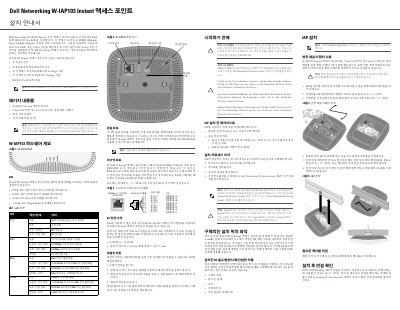
The Dell W-IAP103 Instant access point supports IEEE 802.11a/b/g/n wireless service using MIMO and other high-throughput modes on 2.4 GHz or 5 GHz, while supporting legacy 802.11a/b/g service. It operates only with a virtual controller and provides wireless transceiver, protocol-independent networking, access point, and air monitor functions.
The guide covers hardware overview, package contents, installation checklist, location planning, ceiling rail mounting, cable connections, reset procedure, and LED status verification. Power can be supplied through IEEE 802.3af PoE or an optional AC-DC adapter meeting 12 VDC (+/-5%)/18 W. This manual is written in Korean.
| Wireless standards | IEEE 802.11a/b/g/n |
|---|---|
| Frequency bands | 2.4 GHz and 5 GHz |
| MIMO | Multiple-Input, Multiple-Output |
| Ethernet port | 1 x 10/100/1000Base-T (RJ-45) |
| PoE standard | IEEE 802.3af |
| DC power input | 12 VDC (+/-5%), 18 W |
| DC plug | 1.7/4.0 mm circular plug, 9.5 mm length, center positive |
It can be powered by an IEEE 802.3af PoE source or an optional Dell AP AC-DC adapter kit; a locally sourced AC-DC adapter meeting 12 VDC (+/-5%)/18 W may also be used.
It requires a center-positive 1.7/4.0mm round plug, length 9.5mm.
A CAT5e or higher UTP cable of the required length is needed.
It has one 10/100/1000Base-T(RJ-45) MDI/MDX wired network connection port.