
Quick Start Guide for Lenovo Laptop
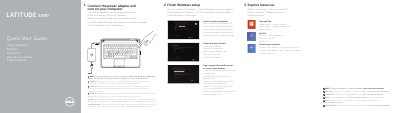
The Dell Latitude 3340 Quick Start Guide provides basic instructions for setting up the computer, including connecting power, completing Windows setup, and accessing Dell resources.
It also includes a detailed map of the device's hardware features, identifying ports, buttons, and status lights.
| Input Voltage | 100 V AC–240 V AC |
|---|---|
| Input Current (Max) | 1.7 A (65 W) / 2.5 A (90 W) |
| Input Frequency | 50 Hz–60 Hz |
| Output Current | 3.34 A (65 W) / 4.62 A (90 W) |
| Output Voltage | 19.5 VDC |
More information is available in the Owner's Manual at dell.com/support/manuals.
The instructions are for computers shipped with Windows 8.1; users of Windows 7 and Ubuntu should follow onscreen instructions.