
OptiPlex 5055 Small Form Factor Quick Start Guide
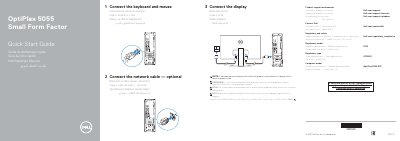
The Dell OptiPlex 5055 Small Form Factor Quick Start Guide explains how to connect the keyboard and mouse, an optional network cable, the display, and the power cable, then press the power button.
It also lists the system's features, such as optical drive, USB ports, audio jacks, DisplayPorts, serial port, PS/2 ports, network port, and expansion card slots.
Connect the keyboard and mouse.
Yes, the network cable connection is optional.
Connect the display to the discrete graphics card.
Connect the power cable and press the power button.